Open source
Apache-2.0, with no hosted service to sign up for and no account in the loop. Maple runs inside your own application and stores nothing itself.
A reviewer points at what is wrong on the preview. An agent gets what it needs to fix it.
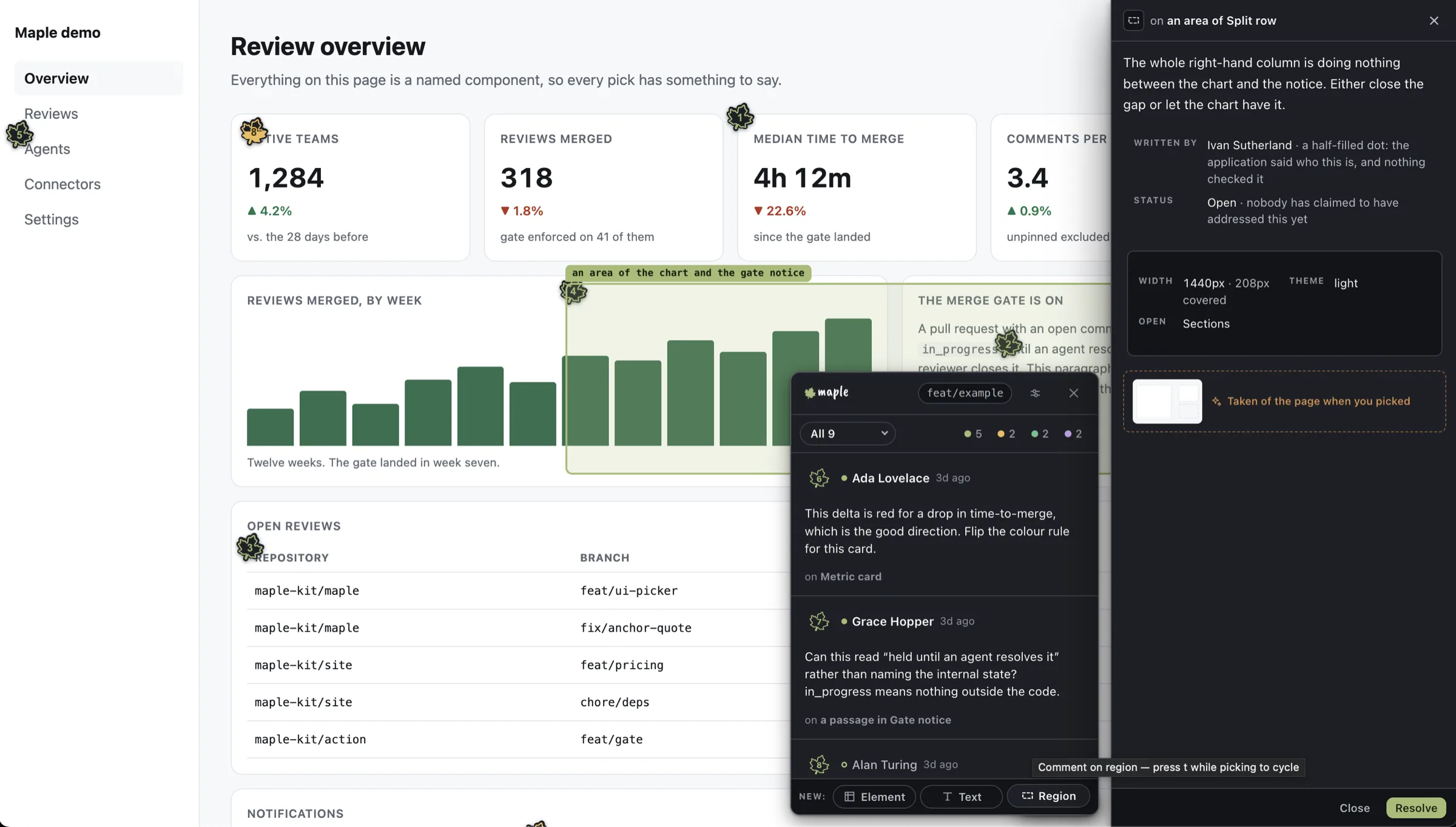
The comment is the easy part. The context is what goes missing.
Someone opens the preview link and sees the bug. What they saw lives in a screenshot, a Slack thread and a window size nobody wrote down. By the time it reaches whoever fixes it, most of it is gone, and the fix is a guess at which element they meant.
Pincushion, Vercel Toolbar, Chromatic, BugHerd and Marker.io each do some of this. None of them does all of it.
Apache-2.0, with no hosted service to sign up for and no account in the loop. Maple runs inside your own application and stores nothing itself.
CI blocks while a visual comment is open. The check is real, and it is named.
maple/visual-review
The agent reads the comments over MCP, makes the change, and resolves them. The gate clears because the work is done.
Maple runs on the preview URL your CI already builds, so anyone holding the link can leave a comment. A designer, a product manager, a client. A tool that runs against localhost can only ever hear from the person running the build.
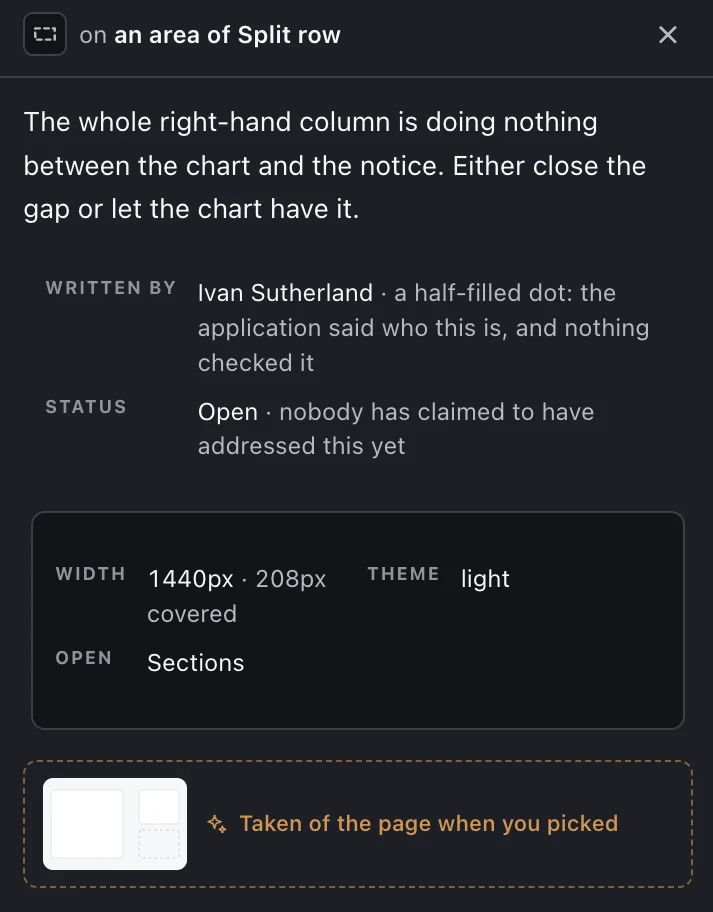
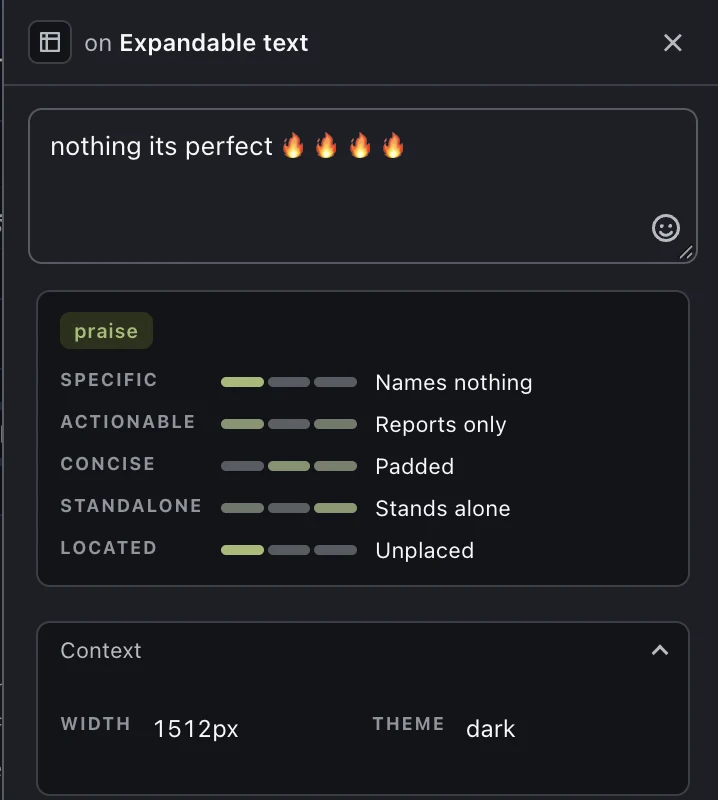
Maple can judge the comment as it is being typed, against five pillars, with a classifier like Jev behind it. It says which rung the comment reached in plain words: names nothing, reports only, unplaced.
It is advice beside the field and nothing more. Never a gate, never a rewrite, and off entirely until you wire a classifier in.
You point it at what you already run. A connector is one file of plain Promise-returning methods: no Maple account, no Maple database, and nothing to migrate off later.
import type { StoreConnector } from "@maple-kit/core/connectors";

export function myStore(options: MyOptions): StoreConnector {
  return {
    name: "my-store",
    async list(query) { /* your rows */ },
    async append(comment) { /* your write */ },
  };
}
There are four kinds, and a connector’s capabilities are exactly the methods it defines. There is no second list saying what it supports, because two lists disagree.
Four steps, and the only one a person has to be awake for is the second.
One route in your application and one script in the preview build.
A reviewer opens the preview, points at the thing, and says what is wrong.
The action writes the comments onto the pull request and holds the merge.
The agent reads them over MCP, makes the change, and closes them out.
Maple is published and still being built, in the open. Contributions are welcome, and the intro post says what already works.
@maple-kit/core
Server SDK, overlay and connector contracts
@maple-kit/cli
The maple command
@maple-kit/mcp
The MCP server an agent talks to
@maple-kit/classifier
Model-backed scoring for the assist tier